Talk about it.Get money back.
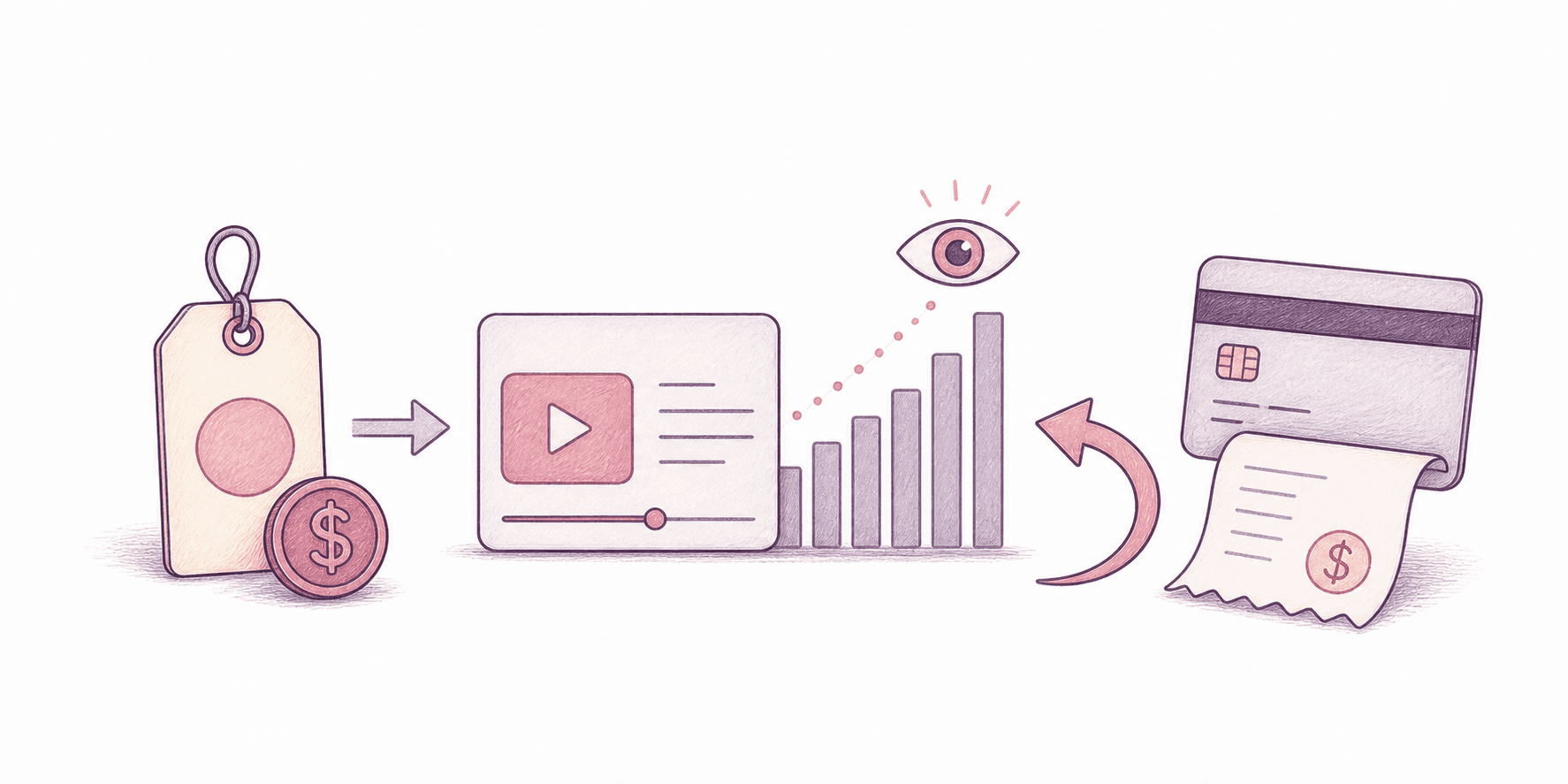
Buy once. Post once. Reply with the link. Refund depends on reach.
Fast read
Four steps. Nothing hidden.
Step 01
Buy the app.
Own it first. Then make the post.
Step 02
Post it publicly.
Any format works if the view count is public.
Step 03
Reply with the link.
Use your receipt email. I read every one. No separate form.
Step 04
I verify and refund.
I check the count myself and refund the highest tier hit.
Reach decides the refund.
One post. One count. We use the highest tier you hit. No stacking.
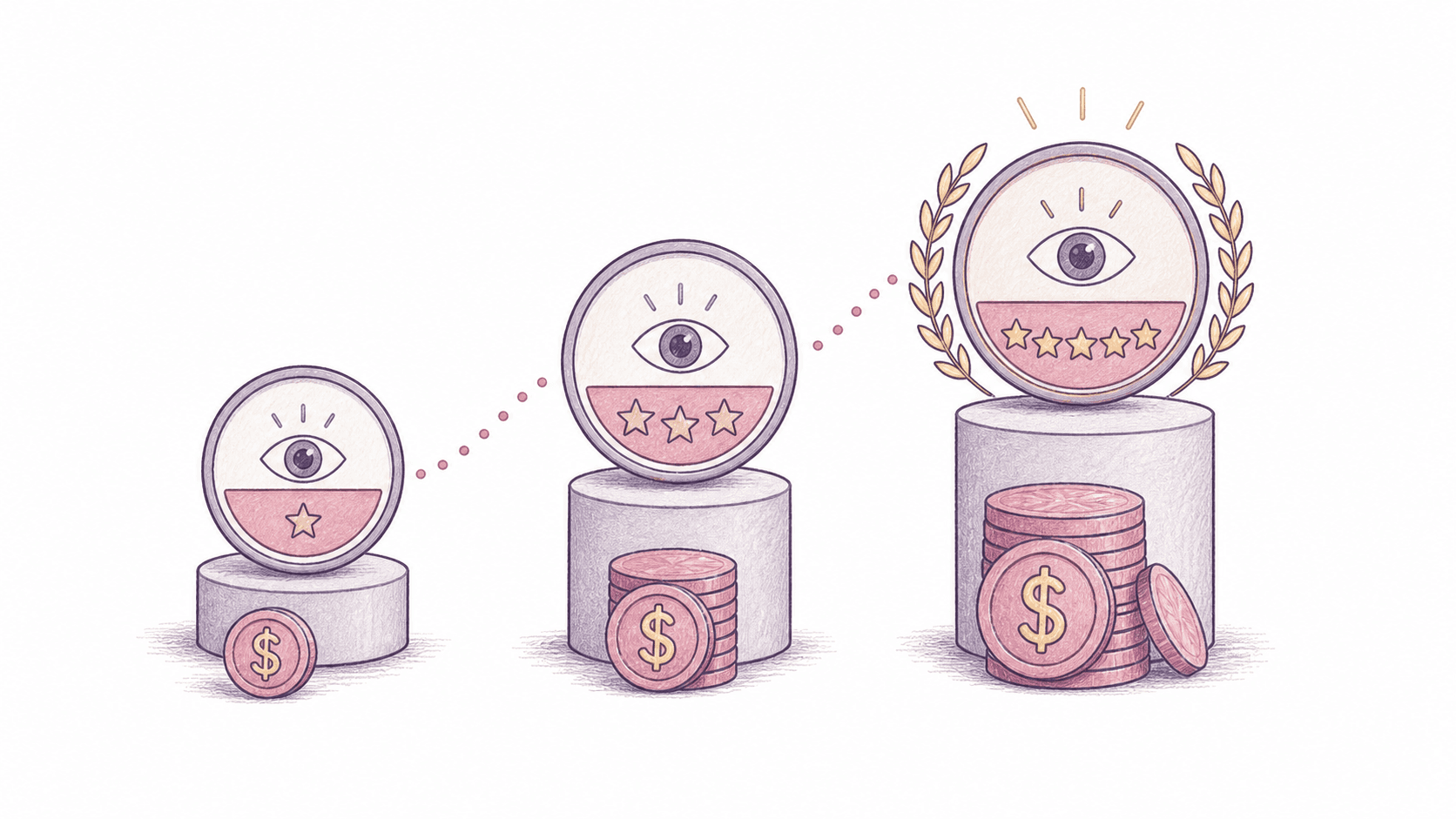
Half your money back. Two-clicks-in-Stripe back.
All your money back. The app stays yours.
Everything back. Plus the other app on us.
What counts. What doesn't matter.
Counts
- One post per buyer per app.
- Reels, Shorts, TikToks, X videos, blogs, podcasts.
- Anything with a public view counter counts.
- Send the link within 90 days of buying.
- Views have to be real. We check.
Not required
- No script.
- No hashtags.
- No @-tagging us.
- Don't make a polished ad. Make whatever you'd actually make.
Reply to your receipt.
One link. That's the form. I read every reply, confirm the tier, and refund inside two business days.
From: you
Subject: re: your nosub order
hey — here's the link:
https://…
Fine print
Up to 10 full refunds a month. If traffic gets weird, I close the top tier and say so here.
Views are checked by hand. Bots are obvious. I ignore them.
Refunds go back to the card you used. Stripe usually lands them in 2–5 days.
The license stays active. I update or end the program here, in writing.