
notype
Voice-to-text for Mac. Press, speak, paste.
Transcribes your voice in any app on your Mac. On-device speech recognition, optimized for Apple Silicon. No account. No cloud. No telemetry.
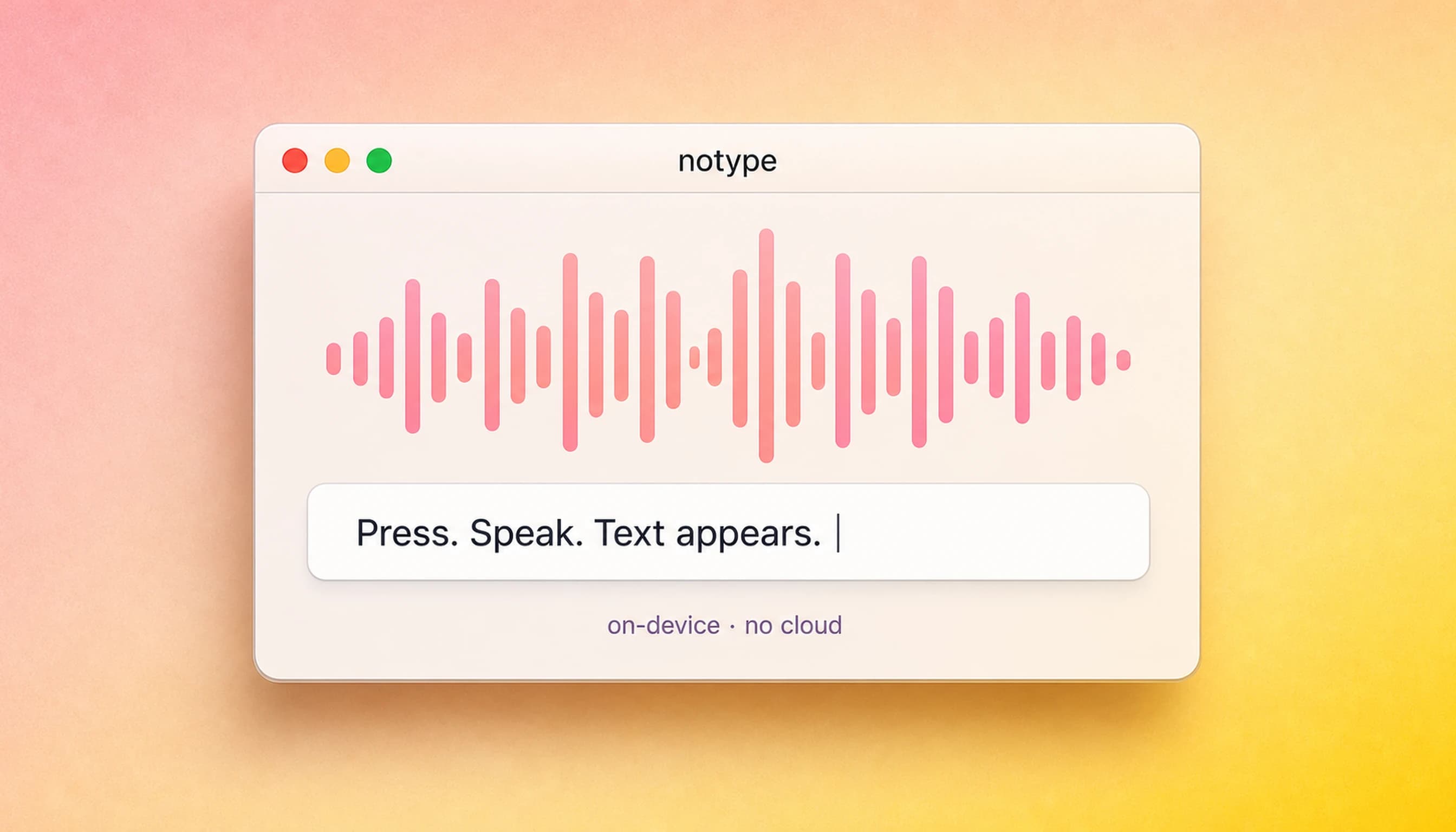
Hold. Speak. Done.
Hold the key
fn down. Mic on. That's the setup.
Say it
Words land in the field as you speak.
Let go
Text is already where your cursor was.
Every keystroke, spoken.
On-Device Processing
Runs on the chip in your Mac, not a server across the internet.
Real-Time Transcription
Text appears in the field before you finish speaking.
Auto Punctuation
Commas and capitals handled automatically, no correction step.
Works in Any App
Pastes at the cursor — email, code, Slack, notes.
Global Shortcut
One key, any app, fully configurable.
Private by Default
Zero telemetry. Nothing leaves your Mac.
macOS Ventura+ · Apple Silicon M1–M4 · notarized by Apple
notype uses Apple's on-device speech recognition stack, accelerated by the Neural Engine on every Apple Silicon Mac (M1 through M4). Hold your trigger key, speak naturally, and the transcribed text lands exactly where your cursor was — in any app, any text field. There is no audio sent to a server, no account to create, and no per-month fee. You buy it once and it's yours.
macOS 13.0 (Ventura) or later · Apple Silicon M1 or newer · Intel Macs not supported
Voice typing, answered.
Does notype work on Intel Macs?
No. notype's on-device speech engine is built on Apple's Neural Engine, which is only available on Apple Silicon (M1 and later). Intel Macs are not supported.
How does the license work?
notype is a one-time purchase — you pay once and own it on up to 1 Mac. There are no subscription fees, no annual renewals, and no feature tiers. Future updates to the version you bought are included.
Can I use notype on more than one Mac?
Each license covers 1 activation. If you need notype on an additional Mac, a second license is required. You can deactivate your current Mac from your dashboard to transfer the license.
Is there a refund policy?
Yes — nosub offers a 30-day no-questions refund. Visit nosub.dev/refunds or reply to your purchase receipt to request one.
Does notype send my voice or text to the cloud?
No. Transcription runs entirely on your Mac using Apple's on-device speech framework. No audio, no transcripts, and no usage data ever leave your machine.
Priced like it matters.
One-time. No tiers. No “starter plan.” No annual renewal.
That’s the whole pricing page.
I built this because I needed it — voice typing that stays on my machine and works in every app. When you email support, that email comes to me.
30-day refund, no questions asked. See /refunds.