
nosleep
Keep your Mac awake. Menu bar. One click.
Prevents your Mac from sleeping on demand. A menu-bar utility for long-running agent runs, uploads, recordings, and overnight jobs — no account, no cloud, no nonsense.
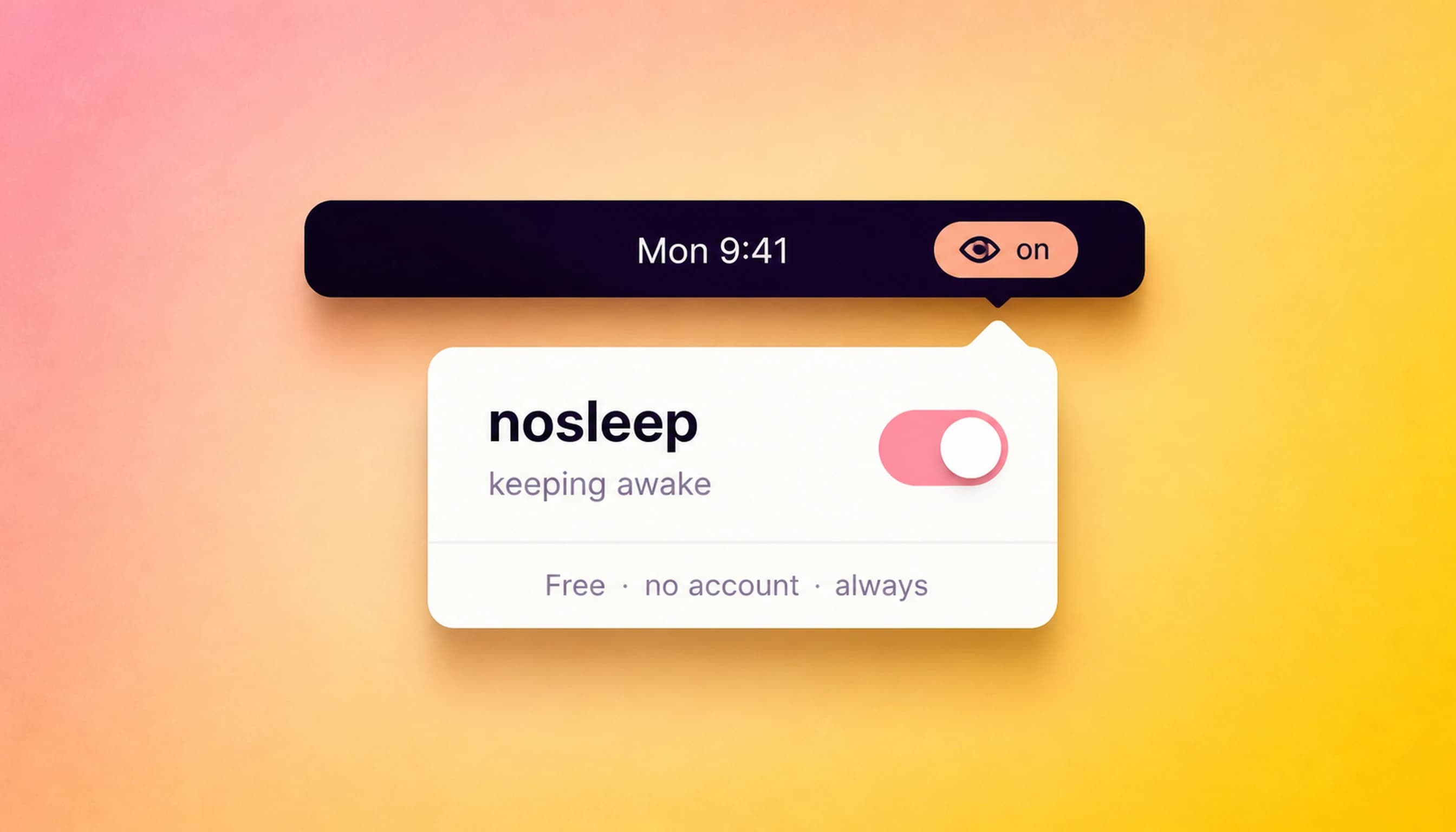
It keeps your Mac awake.
That’s the feature.
Long-running agent runs. Overnight uploads. Recordings. Presentations. Any job that needs the screen on and the system alert — nosleep handles it. One click in the menu bar. Click again to let it sleep.
nosleep is a free, native menu-bar keep-awake utility — a simple Amphetamine alternative and Caffeine alternative for Mac. Timed sessions, a low-battery guard, and lid-close mode. macOS 13+ · universal binary · no account.
Free because it takes thirty seconds to use and costs nothing to maintain. The paid apps are made the same way — one developer, no team, no subscriptions.
Small app. Not lazy.
One-Click Toggle
Click to keep awake. Click again to sleep. That's the whole UI.
Timed Sessions
Run forever, for a preset duration, or until a deadline.
Low-Battery Guard
Lets the Mac sleep automatically when battery hits your threshold.
Launch at Login
Starts with macOS, ready before the first job runs.
Lid-Close Mode
Keeps the Mac awake with the lid shut. Experimental, admin-gated.
No Account Needed
Talks to macOS directly. Nothing goes to the internet.
macOS 13+ · universal binary · free forever
Coming from Amphetamine or Caffeine?
Both are good apps. Here’s an honest, side-by-side look at what nosleep does differently — and who should just stay put.
Keep-awake, answered.
How do I keep my Mac awake?
Install nosleep and click its menu-bar icon — your Mac stays awake until you click again. You can also set a duration or a deadline. It is free, native, and requires no account.
Is nosleep a good Amphetamine alternative?
Yes. nosleep handles Amphetamine's core job — keeping your Mac awake — with a one-click toggle, timed sessions, a low-battery guard, and lid-close mode. If you rely on Amphetamine's Triggers automation, keep it; otherwise nosleep is simpler.
Is nosleep free?
Yes — nosleep is free forever, not a trial and not freemium. There is no account and no paid tier. The paid nosub apps fund the work.
Can nosleep keep my Mac awake with the lid closed?
Yes — lid-close mode is built in and admin-gated. It is marked experimental because clamshell behavior depends on your specific Mac model and power state.
What macOS versions does nosleep support?
nosleep runs on macOS 13 (Ventura) and later as a universal binary — it works on both Apple Silicon and Intel Macs.
Does nosleep need an account or internet connection?
No. nosleep talks to macOS directly and works entirely offline. No sign-up, no telemetry, nothing goes to the cloud.