
nomix
Git identity switcher for Mac.
Switch between work, personal, and project git identities from your menu bar. SSH keys generated and managed in place; your .gitconfig updates itself. No account. No cloud. No telemetry.
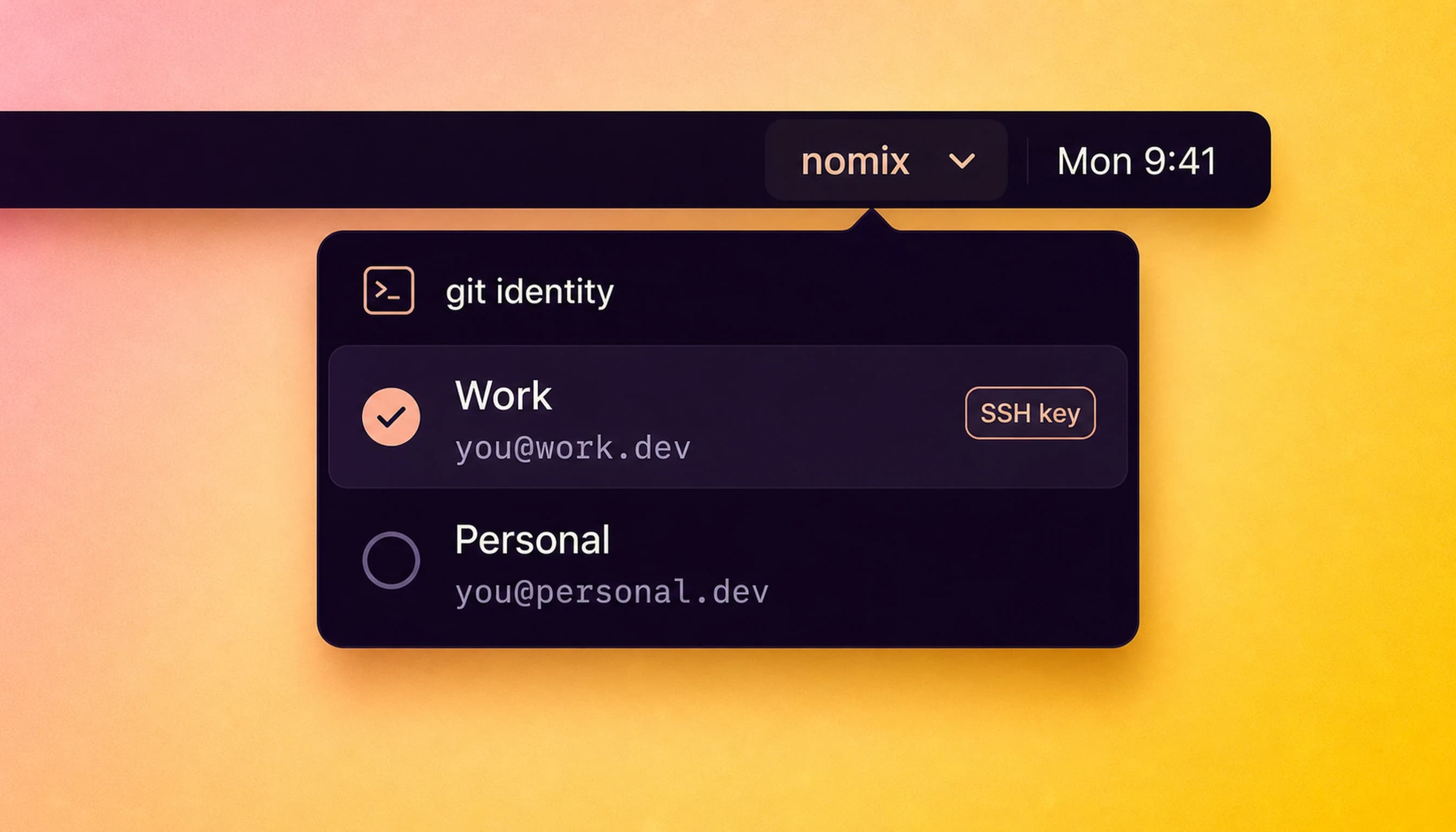
Switch identity. Then commit.
Create profiles
Work, personal, client — each with its own git name, email, and key.
Pick one
Switch from the menu bar before you start a repo or branch.
Commit clean
Git config and SSH identity match the context you chose.
Never commit as the wrong you.
Menu Bar Switcher
Change git identity without opening a terminal or editing dotfiles.
Profile Presets
Save repeatable identities for every account you use.
SSH Key Pairing
Keep each profile tied to the right SSH key, locally.
Repo Detection
See which profile is active for the repository in front of you.
Fast Apply
Keyboard-first switching for people who live in branches all day.
No Cloud Sync
Your emails, keys, and repo context stay on the Mac.
native macOS menu bar · SSH keys stay local · no account
Priced like it matters.
One-time. No tiers. No “starter plan.” No annual renewal.
That’s the whole pricing page.
30-day refund, no questions asked. See /refunds.