
nocast
Screen recorder for Mac. Record once, own it forever.
Records your screen, regions, and windows. Camera and audio capture built in. Native ScreenCaptureKit engine — fast, private, no account required.
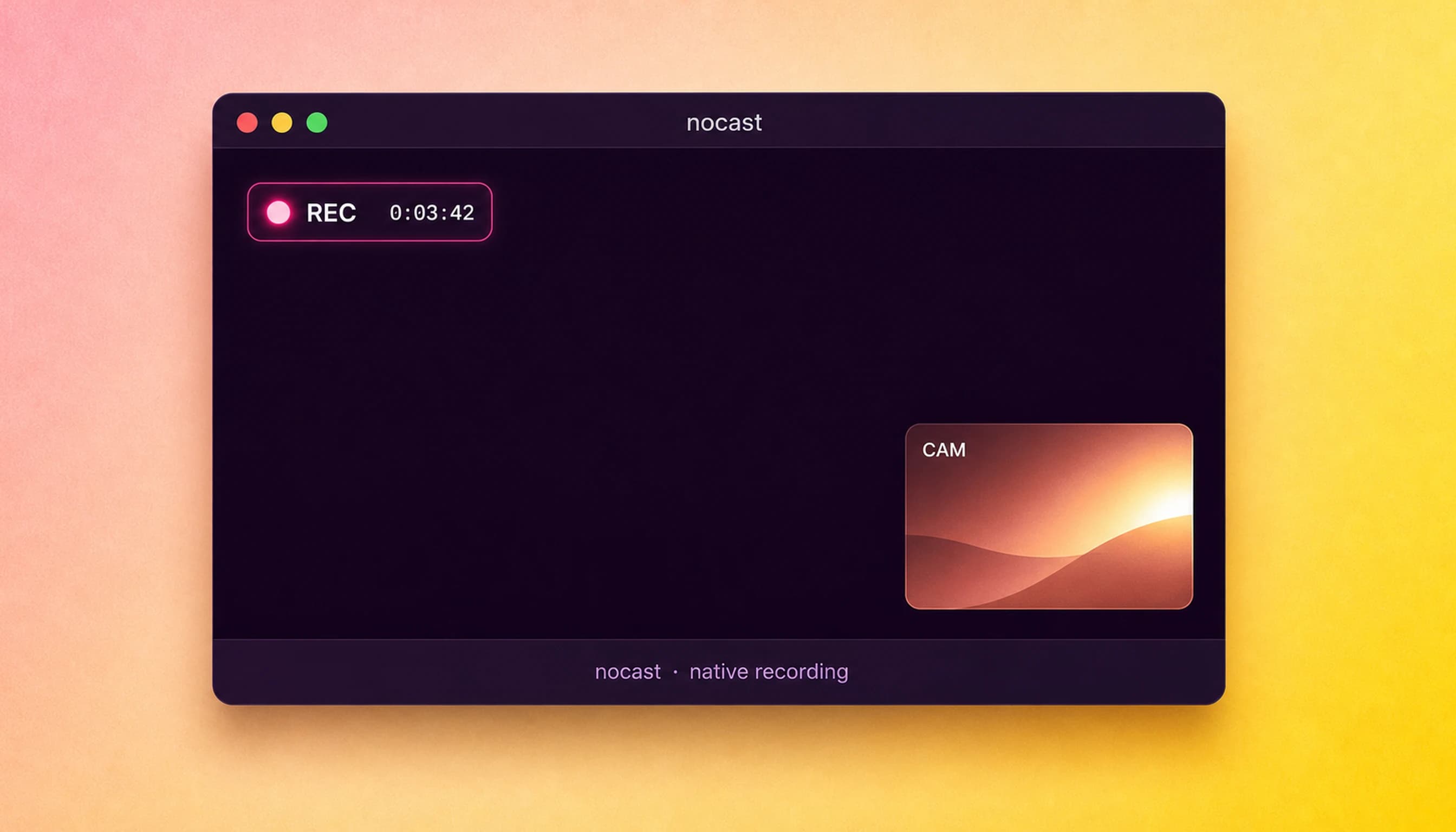
Record like it’s built in.
Pick a target
Full display, a window, or drag a region.
Hit record
Controls live outside the frame.
Stop
The file is already on your Desktop.
The frame stays clean.
Flexible Capture
Full display, specific window, or a dragged region — your choice.
Camera PiP
Four corner positions. Part of the recording, never in the way.
Dual Audio
Mic and system audio as independent tracks, mixed your way.
Instant File
Recording stops, file appears on your Desktop. No export queue.
Native Engine
macOS's own capture layer. No drivers, low CPU, every display.
No Watermark
Clean output from frame one. Not in trial mode. Not ever.
macOS 12.3+ · Apple Silicon M1–M4 · recordings never leave your Mac
nocast uses Apple's ScreenCaptureKit framework — the same engine macOS uses internally — to capture your entire display, a specific app window, or a dragged region. Camera picture-in-picture appears in one of four corner positions and is baked directly into the recording. Microphone and system audio are captured as independent tracks and mixed on export. When you stop recording, the file lands on your Desktop immediately — no upload, no render queue, no watermark. Your recordings never leave your Mac.
macOS 12.3 (Monterey) or later · Apple Silicon M1 or newer recommended · ScreenCaptureKit permission required
Screen recording, answered.
Does nocast upload my recordings anywhere?
No. Recordings are saved directly to your Mac — by default to your Desktop. There is no cloud upload, no Loom-style hosting, and no account required.
What can nocast record?
nocast records the full display, a specific app window, or a custom dragged region. Camera PiP can be added at any corner. Microphone and system audio are captured separately.
How does the license work?
nocast is a one-time purchase covering 1 Mac. No subscription, no renewal, no feature tiers. Future updates to the version you bought are included.
Is there a refund policy?
Yes — nosub offers a 30-day no-questions refund. Visit nosub.dev/refunds or reply to your purchase receipt.
Does nocast work on Intel Macs?
nocast requires macOS 12.3 or later. Intel Macs on Monterey or newer are supported, though Apple Silicon delivers better performance with the native capture engine.
Priced like it matters.
One-time. No tiers. No “creator plan.” No annual renewal.
That’s the whole pricing page.
I record my screen every day — bug reports, demos, code reviews. nocast is the recorder I wanted: native, fast, no upload step. Support email comes to me.
30-day refund, no questions asked. See /refunds.